It's likely you first spotted that the icon is missing from "Candidate Pack" column on the Selection/Hiring tab:
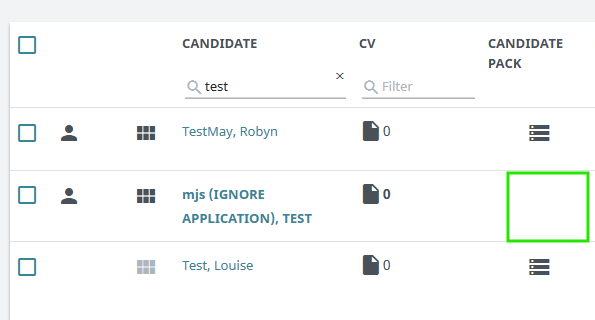
There are three possible scenarios where a candidate pack will not appear for a candidate:
- The candidate has been manually added to the job in TalentLink without their application.
- The candidate pack was unchecked on the application process configuration.
- A technical error/bug prevented the candidate pack from generating.
In all three scenarios it is important to understand this is not a candidate issue, they have submitted their application and it exists within TalentLink.
If the issue is related to a technical error/bug we will try to resolve this across the system with CSOD however you can manually correct this yourself if required quickly. See FAQ - How to Generate a Candidate Pack
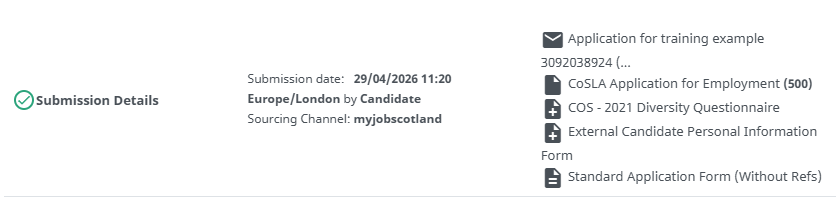
Recruiting managers should be made aware that application documents can always be viewed individually by clicking on the candidates name to access the selection process and all submission related documents can be accessed here: