
Firstly contact myjobsupport to have your video added to the Video Library. Once this has been added your video will be selectable for your adverts.
To include the video in your advert, you need to select the video for inclusion on the advert within the Posting Tab>Edit Job Advertisement;

Once this has been linked to the job. You then need to include the merge field for the added video within your advert text;
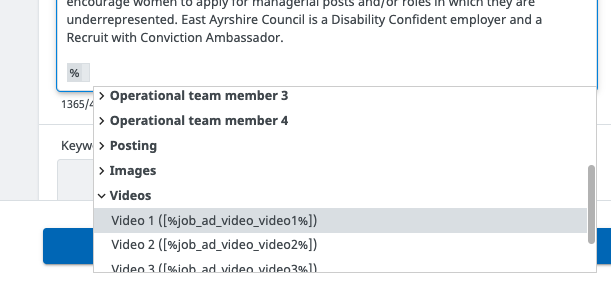
Once added your video will then pull into the advert. You can choose where to include the merge field to suit your advert.